

Earthquakes, volcanoes & tsunamis
live in your pocket.
Real-time alerts the moment the ground moves - plus a live map and reports from the people who felt it.
Real-time alerts the moment the ground moves - plus a live map and reports from the people who felt it.


QuakeMate watches all of this around the clock - get the app to be alerted the instant it changes near you.
Get instant alertsQuakeMate doesn't just track quakes. Below is real activity happening right now.
Worldwide, the moment agencies publish - USGS, EMSC, GSI and more.
Active warnings, watches and advisories, layered with the quakes that triggered them.
Recent bulletins
Most exposed coasts
Ongoing eruptions worldwide from the Smithsonian GVP, plus US alert levels from USGS HANS, with nearby-quake context.
Breaking earthquake, tsunami and volcano stories worldwide, summarized as they happen.
Enter your city - see the biggest earthquakes and tsunamis on record where you live, how often the ground shakes, and the volcanoes nearby.
Check your riskThe same worlds you can dig into inside the app - live on the web.
110 country profiles with live maps, counters and history.
Follow an aftershock sequence live - for any country or US state.
All 15 major plates, drawn on a living map.
The famous fault, trench and caldera systems - what makes each dangerous, live.
Activity, observatory alerts and eruption history worldwide.
Yellowstone, Area 51, the San Andreas - watch legendary ground live.
Swipeable science worth sharing - how the planet really works.
Which years had the most M7+ earthquakes - ranked, live from USGS since 1950.
Where 90% of earthquakes happen - see it move in real time.
Two layers of notifications - so you hear about the big one instantly, without being buzzed for every distant tremor.
Major quakes & tsunami warnings
M7.2 earthquake - tsunami warning
nowStrong shaking expected. Move to higher ground if near the coast.
Tuned to your area & thresholds
M4.1 near Los Angeles, CA
2mMatched your 'Home · M4.0+ within 100 km' rule.
The essentials for every hazard - worth reading once, before you ever need them.
The full guide - with tap-to-call emergency numbers for your country - lives in QuakeMate Watch and in the app.
Switch map styles, toggle hazard layers, and filter the whole world down to exactly what you care about - then search a specific region for earthquakes, volcanoes or tsunamis.
Layers
Filters

Jump straight to live earthquakes, volcanoes and tsunami risk for a country or region.

At least a dozen dead as massive earthquake strikes China’s remote Tibet region
A major 7.0 magnitude earthquake in Tibet caused significant casualties and damage, requiring urgent attention.
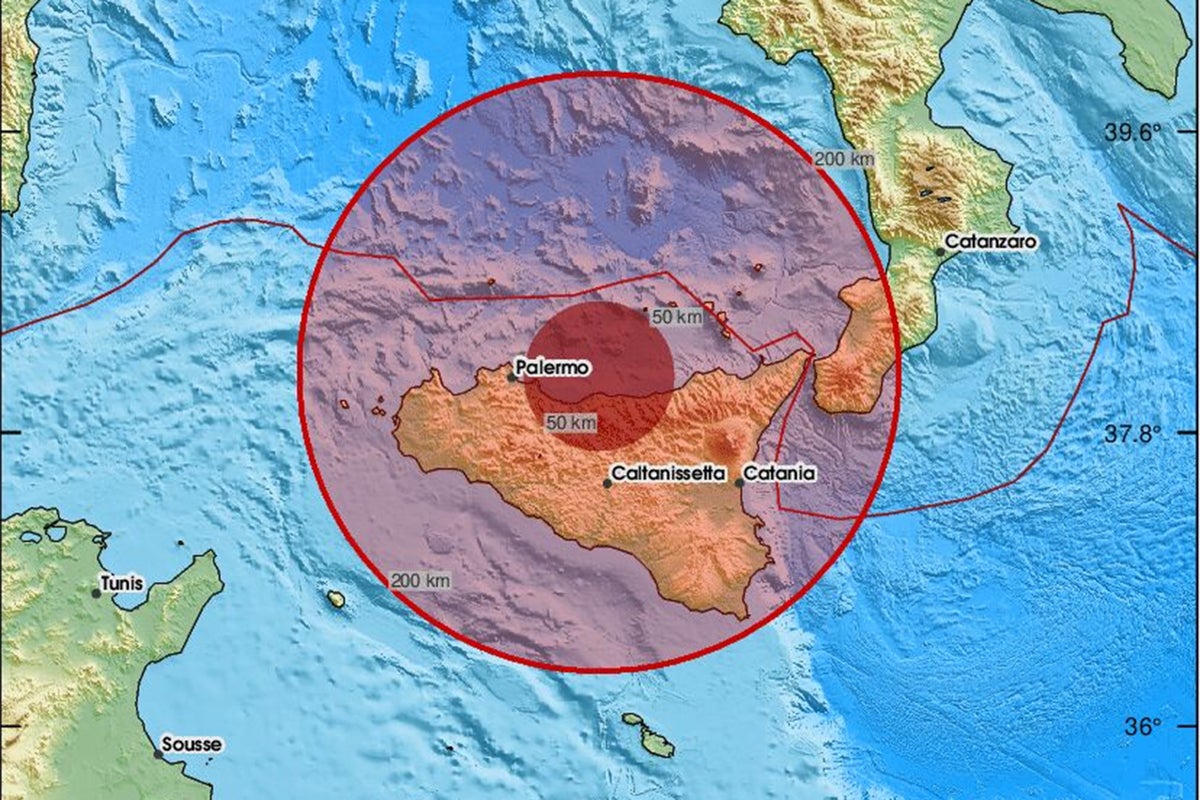
Italy earthquakes: Tsunami alert issued after 12 tremors strike off Mediterranean coast
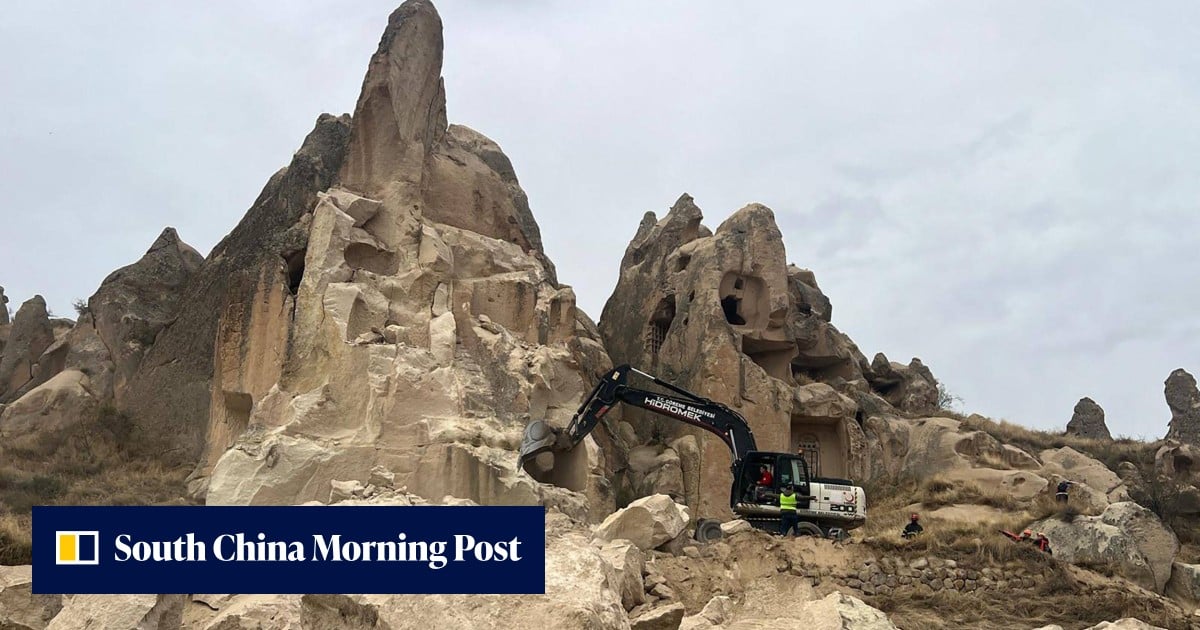
3 killed in rock spire collapse in Turkey’s touristic Cappadocia
3 more stories in the app
Get QuakeMate to follow the full coverage and breaking updates as they happen.
News intelligence by PagePod, matched to recent seismic activity in this area. QuakeMate is not responsible for external content.
Share what you felt during a quake and compare with reports from your neighbours.
I didn't notice anything.
Felt only if sitting still or upstairs.
Hanging objects swung. Windows rattled.
Hard to stand. Small items fell.
Furniture moved. Plaster cracked.
Report what you felt in seconds and see how your neighbours experienced the same quake - right from the QuakeMate app.
Yes. QuakeMate is free to download from the App Store with no ads and no data resale. An optional Premium subscription unlocks advanced features but everything in the screenshots is available on the free tier.
QuakeMate aggregates real-time feeds from public seismic agencies including USGS (United States), EMSC (Europe / Mediterranean), GSI (Israel) and tsunami.gov. Volcano data comes from the Smithsonian Global Volcanism Program; tectonic plates are the Bird (2003) PB2002 dataset.
Very fast - and faster than ever after our latest update. Push alerts now fire within seconds of the upstream agency publishing an event, instead of the tens of seconds it used to take. End-to-end speed depends on how quickly the source agency reports, but QuakeMate adds almost no delay of its own. It is informational and not a replacement for official emergency systems.
Critical alerts are QuakeMate's highest-priority notifications, reserved for the events that truly matter - major-magnitude earthquakes and official tsunami warnings. When enabled, they can break through silent mode and Focus so you are woken or interrupted for a genuine emergency, even if the rest of your notifications are muted. This is a huge deal: it means the one alert you cannot afford to miss gets through.
Critical alerts are for unmissable emergencies (major quakes and tsunami warnings) and can override silent mode. Smart alerts are the everyday notifications you fully control - set per-rule magnitude, region and distance so you only hear about the quakes you care about, with quiet hours and per-rule muting to keep the noise down. Together they make sure you never miss the big one without being buzzed for every distant tremor.
Yes. Create as many smart-alert rules as you like, each with its own magnitude threshold, region and distance radius - for example "within 100 km of home, M3.5+". You get notified the moment a matching quake strikes, and nothing else.
Did You Feel It (DYFI) lets you report what you felt during a quake - intensity, situation, observations and damage. Your report is aggregated with reports from your neighbours so everyone can see how the same event was experienced across the region.
A connection is required to receive new earthquake data and push alerts. Recently loaded events and your settings remain accessible offline.
Android is on the way! QuakeMate is built natively for iOS (iPhone and iPad) today, and the website at quakemate.app works on any browser. If you want QuakeMate on Android, join the waitlist at quakemate.app/android and we will email you the moment it launches.
Yes. The Explore map shows active tsunami warnings, watches and advisories from tsunami.gov and regional agencies, layered alongside earthquakes that may have triggered them.
Curious about earthquakes? Read 30+ earthquake questions & answers →
Free to download. No ads. Real-time data from trusted seismic networks worldwide.
On Android? Join the waitlist.